Easy Photo
One-click U.S. passport/visa photo generator
From any photo to a passport-ready 2×2 in
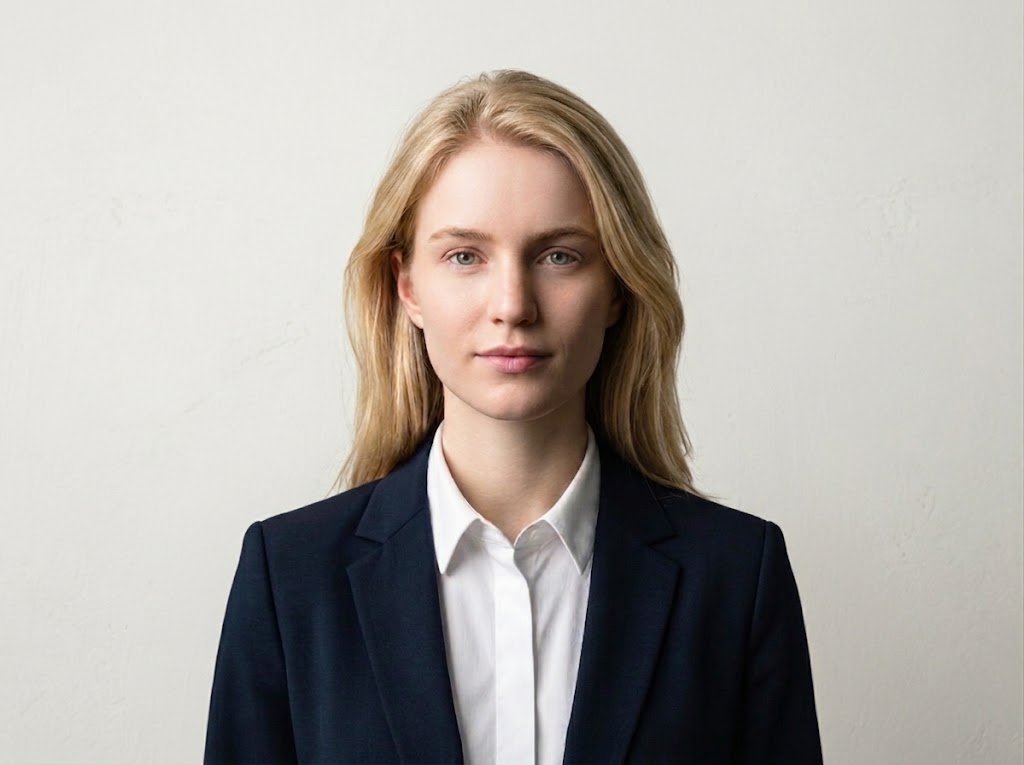
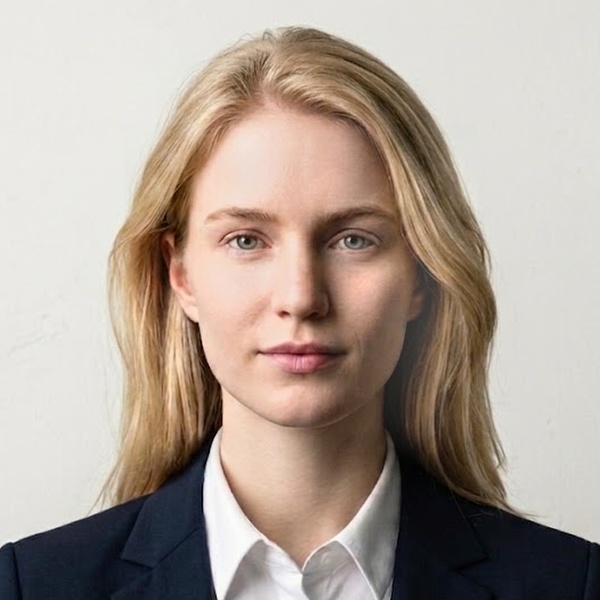
Or click to upload a photo
Advanced settings (optional)
We pick the best processing mode automatically. Override here if you know what you want.
Auto
Detects your background and picks Standard or Auto Background.
Standard
Keeps your background; adjusts brightness. Use with a light wall.
Auto Background
AI replaces your background with white.
How to take the perfect passport/visa photo
How to take the picture
Sample passport photos



The Window Rule (Most Important): Stand facing a bright window during daytime, with a plain white wall behind you. Natural window light gives even, shadow-free illumination on your face.
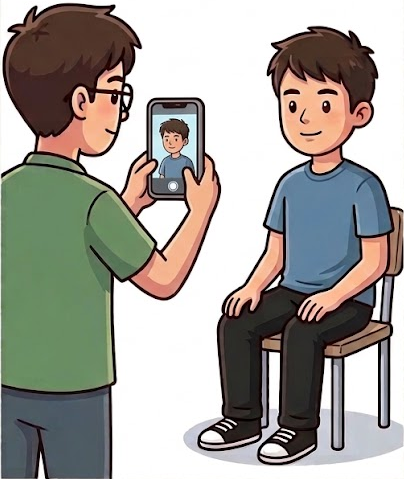
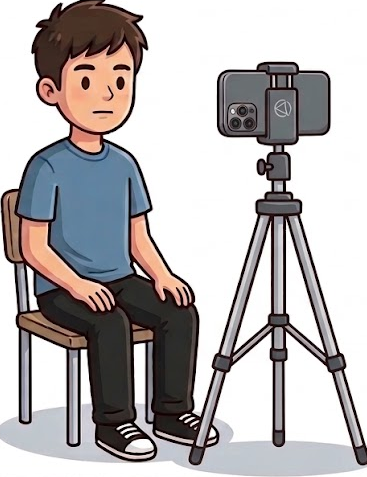
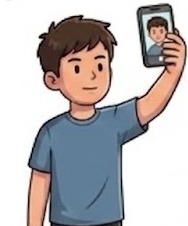
No Selfies: Hand-held selfies warp facial features and crop out shoulders. Have someone else take the picture, or use a tripod/phone stand.
Step Away from the Wall: Stand at least 1.5-2 feet (half a meter) away from the wall behind you. Standing flush against the wall creates harsh shadows behind your head.
Photo Resolution: Your photo must be at least 600x600 pixels. Most phone cameras easily exceed this. Avoid heavily cropped or low-resolution images.
Frame for Chest Up: Show your entire head, shoulders, and upper chest. Do not zoom in on just your face. The system needs enough body in the frame to scale correctly.
- Remove all glasses
- Keep a neutral expression with closed lips (no smiling with teeth)
- Remove hats and head coverings (unless for religious or medical reasons)
- Do not use phone flash (causes red-eye, glare, and harsh shadows)
Pay to download the photo without watermark
Order ID:
Compliance check results
Each item below is a U.S. passport/visa photo requirement we verified before generating your photo. Use these as a sanity check; if anything looks off, retake before paying.